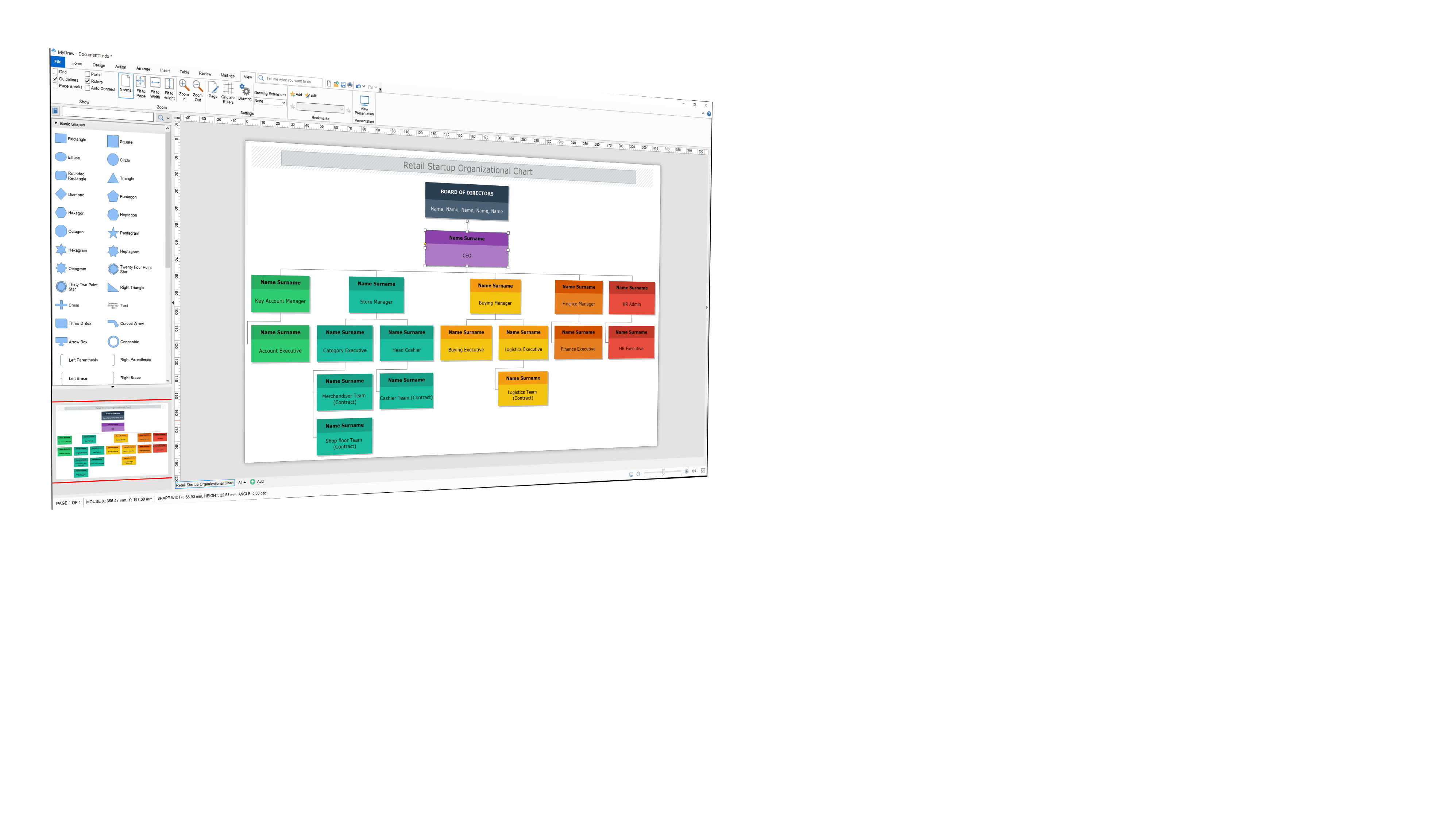
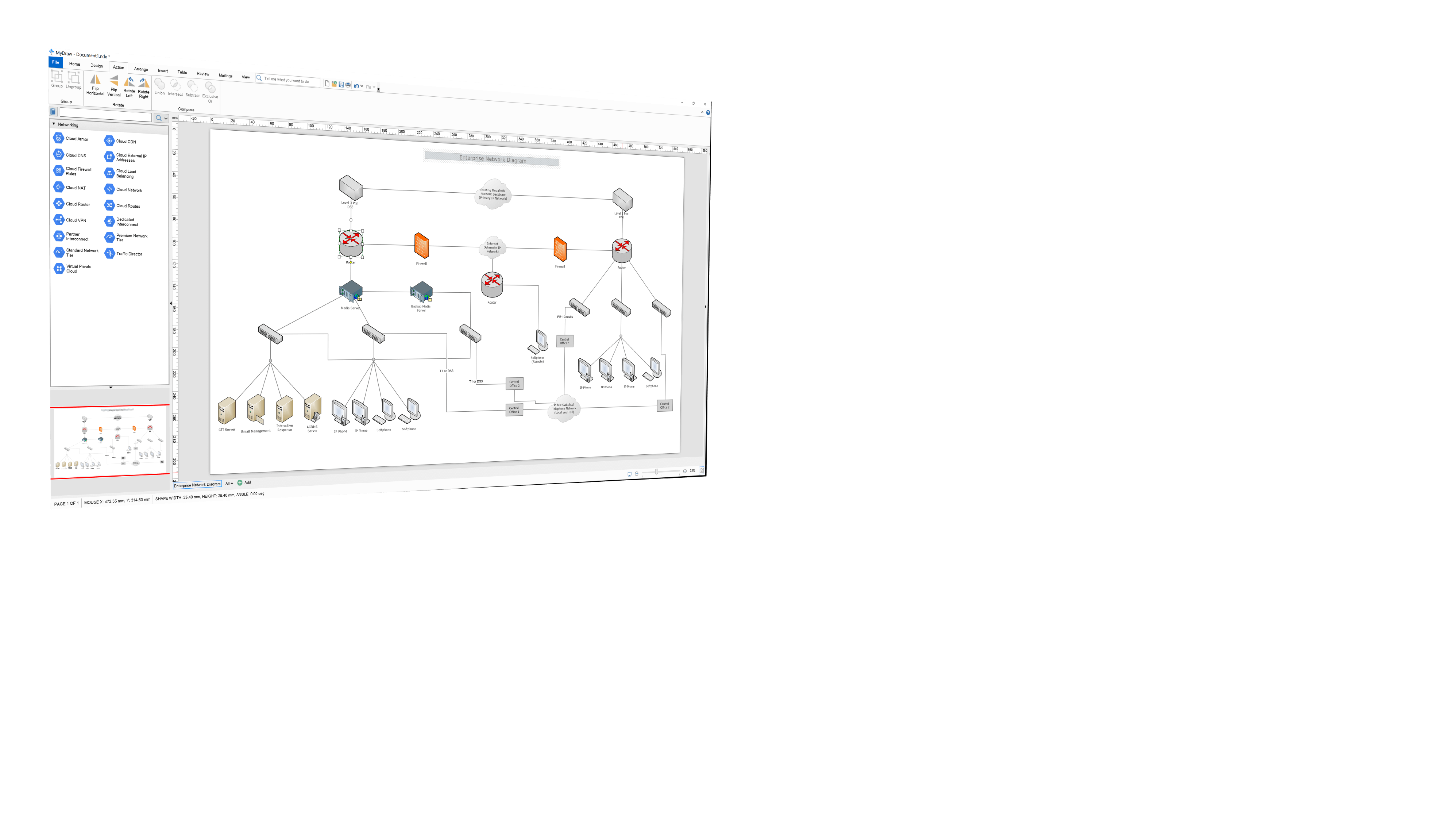
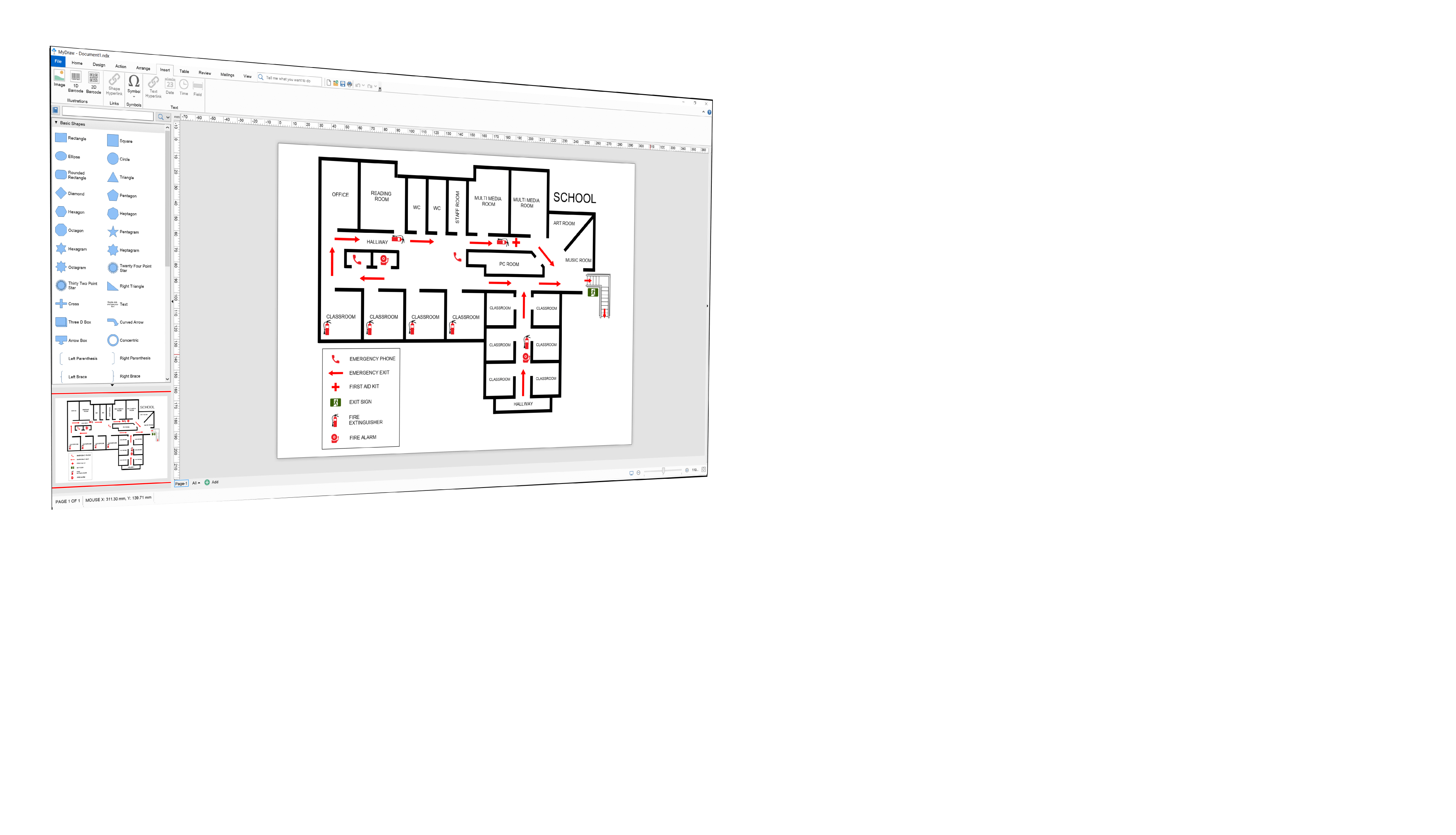
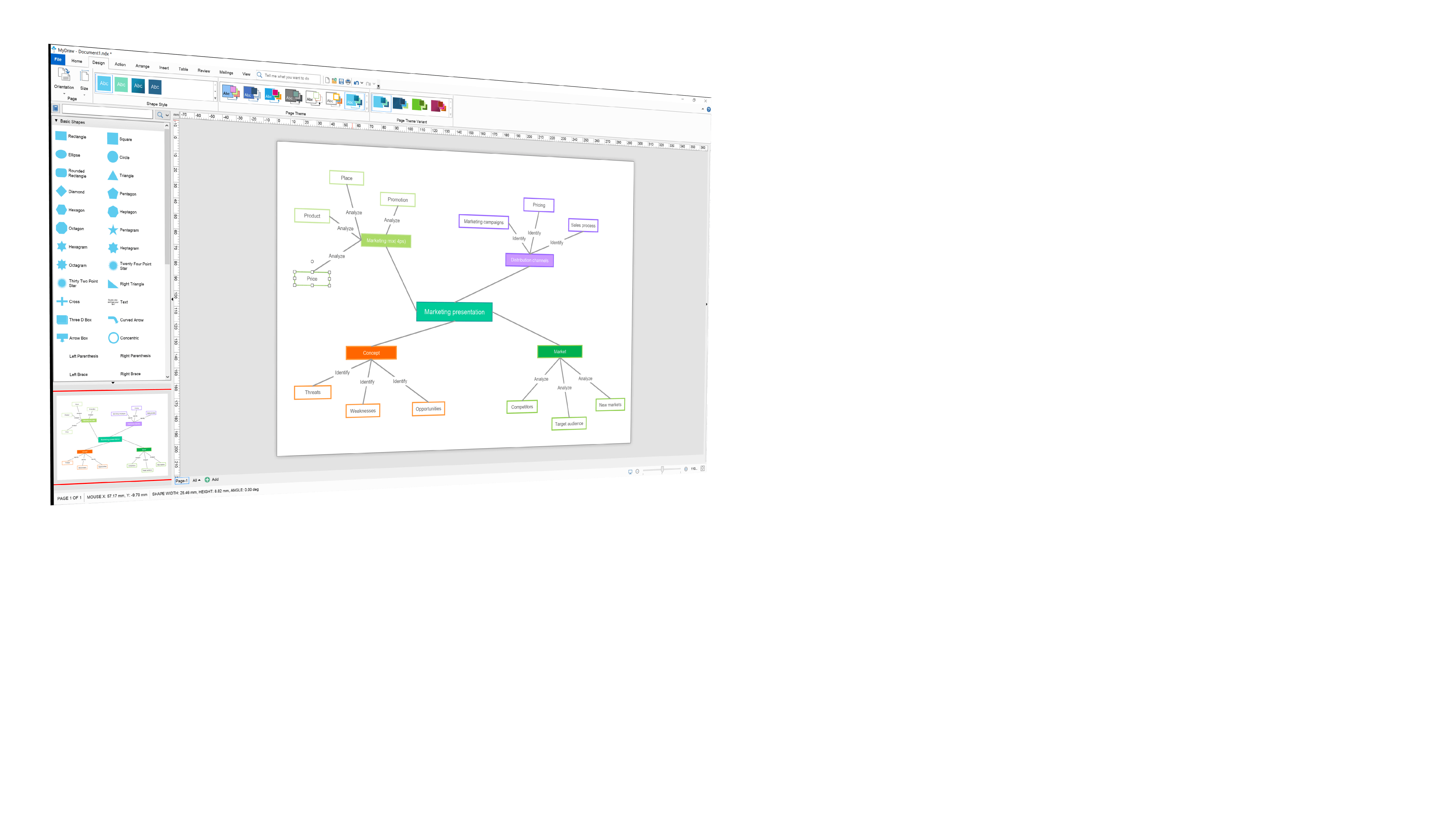
From the ease of install to the amazing support, you are not going to find a better software.
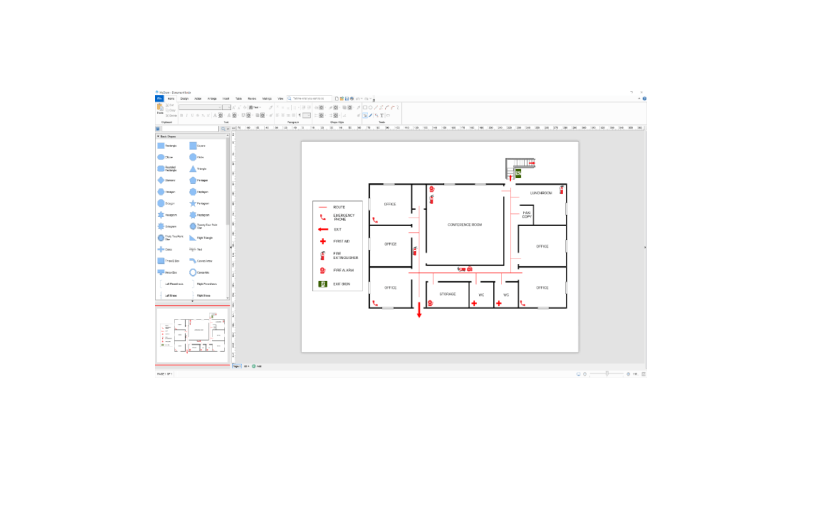
My company was tasked with creating various floor maps for a major project and MyDraw was beyond perfect for the job. It was very easy to use and any questions I had were answered by the amazing support staff. I am a long-time Visio user but with how amazing MyDraw is, it is my new go-to program!
Melissa Haas
MyDraw is very easy to use.
This chart designer is very easy to use, even though it offers really professional options. Already the diagram templates should be enough in most cases to begin immediately with the insertion of the pictures and dates. If you prefer to create your own diagram, you can do it in a very short time thanks to the very clear interface. By dragging and dropping, you can drag all sorts of shape templates, of which there are plenty, onto the surface, insert text or graphics, and Let's go to the next field. Even animation forms are available. This allows you to post its results in many different formats like e.g. storing all common image formats and html documents, there are many possibilities for the result, e.g. also to install in a homepage. For me, this program is definitely recommended!



The easiest way I know to create a pedigree.
Berndt Rabe
I was looking for a Mac alternative to Visio and discovered MyDraw. It worked perfectly!
I like that it has good functionality at a great price. When I changed computers and had a license question, I received an email from a real person! Their customer service is unbelievably good. Any time I've written with a question, I have received a quick, personal reply!
I needed to create a somewhat complex flow chart and would have used Visio, but I now have a Mac, so Visio wasn't an option. Happily, I was able to complete that project (and others since) using this software.
MyDraw for Mac user
Replacing Visio with MyDraw.
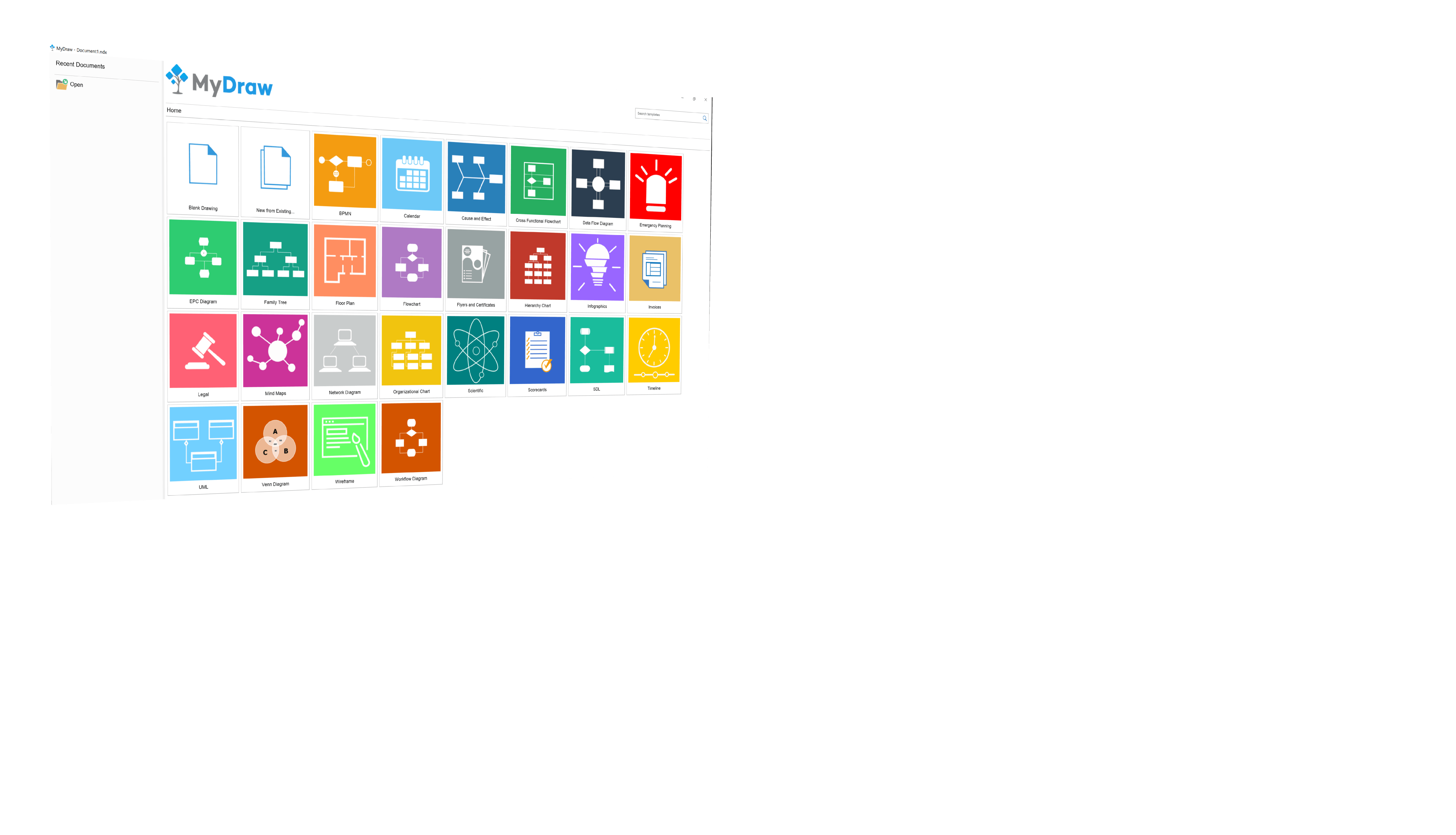
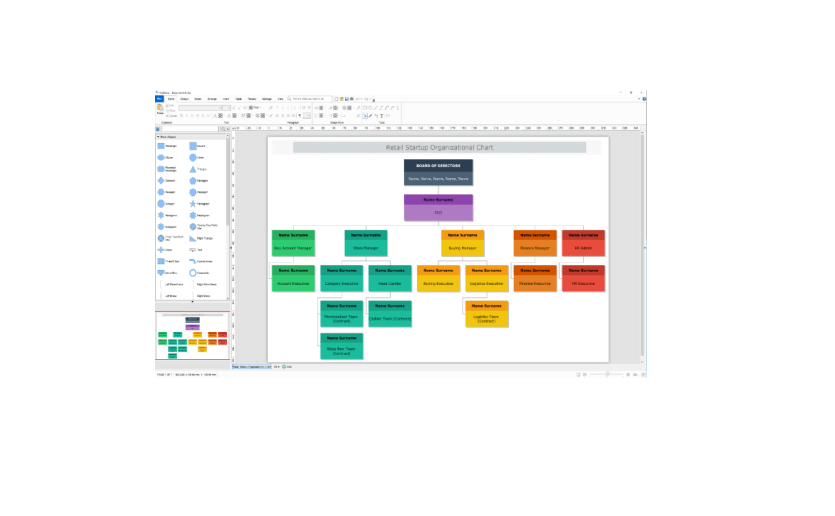
Found it easy to replace most of the MS Visio functionality. It comes with a large set of preset templates that cover most uses.
I do not have to buy a subscription to the new MS-Office to keep my software current. This is a viable alternative to their drawing products.
Page Tyler
MyDraw is professional, features laden and affordable flowchart software that is easy to use.
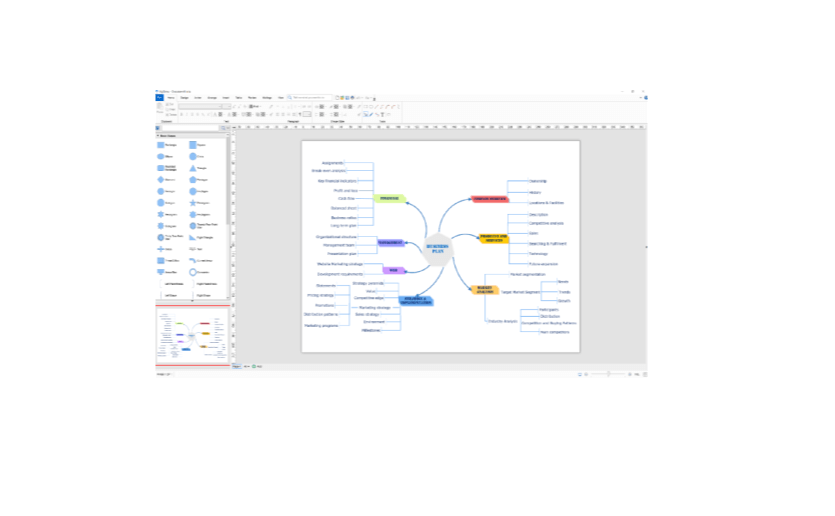
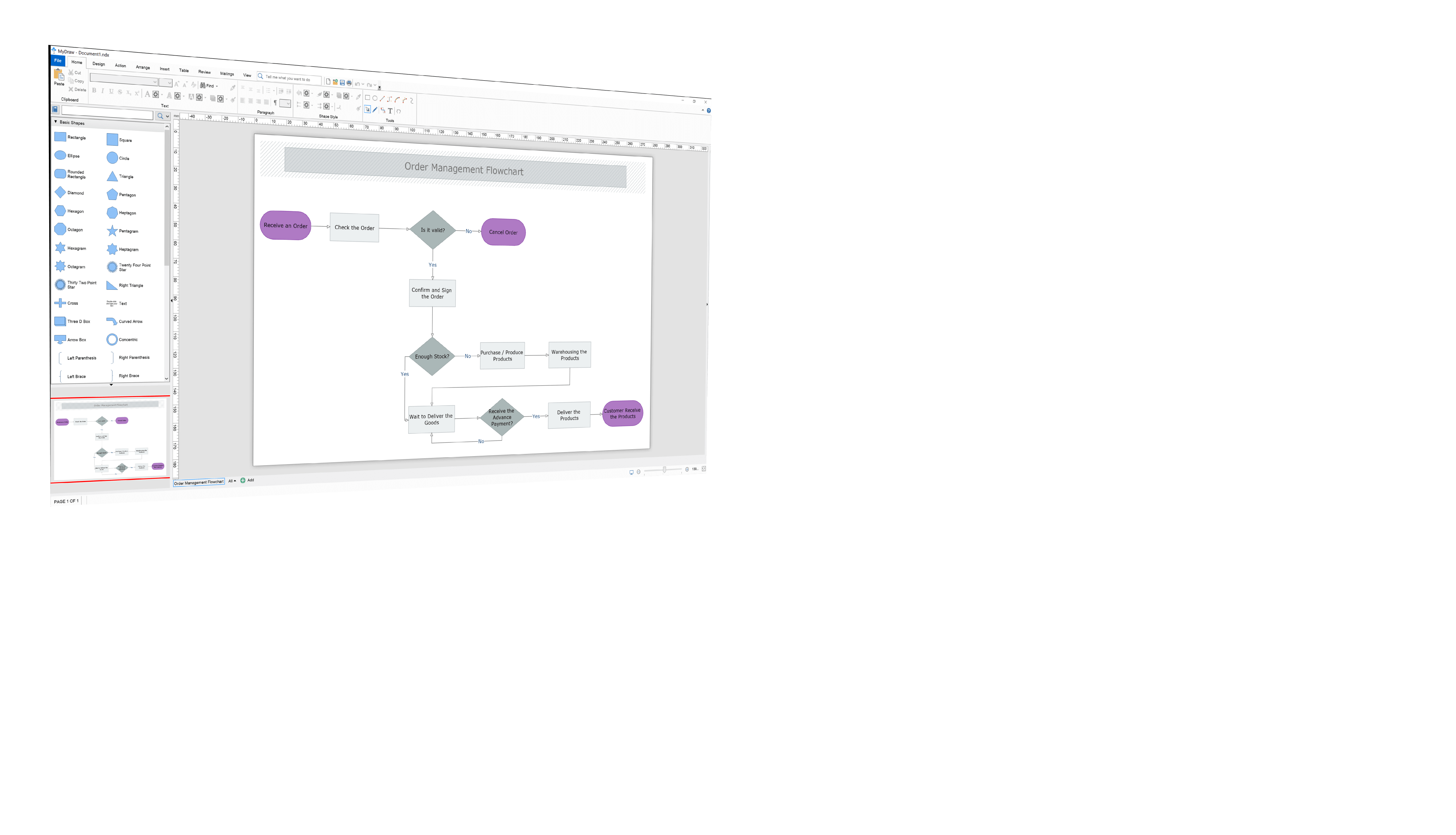
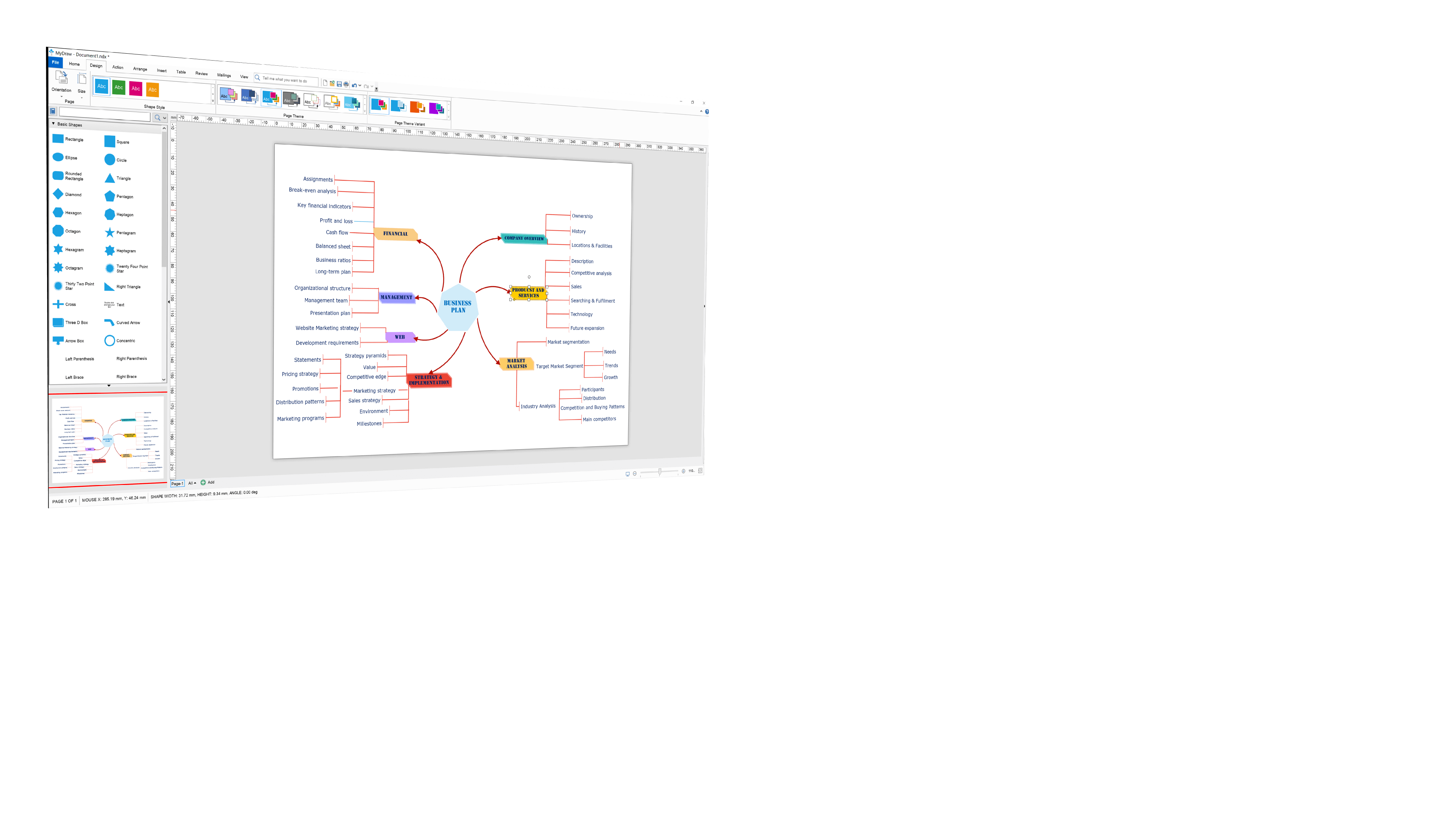
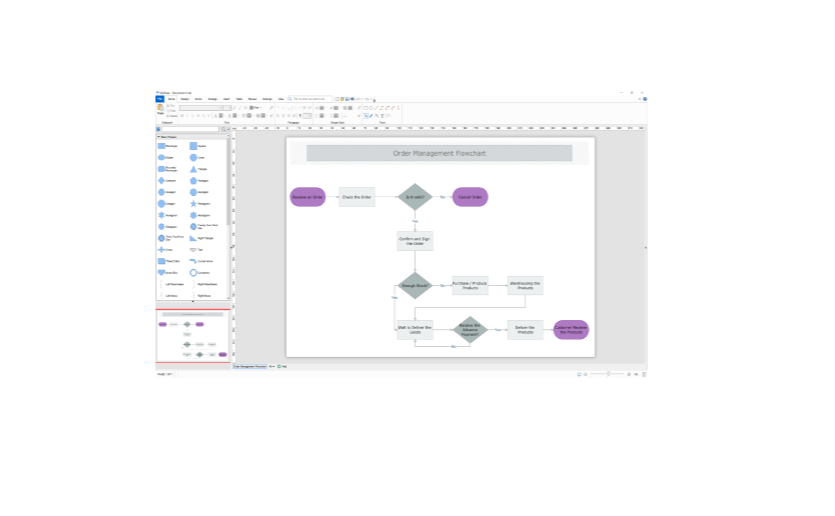
Easy to use and self-contained. A large number of templates and libraries of shapes suitable for both professionals and non-professionals alike. You start with a predefined template or from a blank drawing. From there you have a lot of options to arrange, insert, manipulate, review and mail your flowchart. The interface customization allows for different UI Themes and languages. You can even alternate in between the trendy ribbon and command bars. I personally prefer the clarity of the ribbon look. The finished work can be completely or partially saved in many popular formats such as Visio, AutoCad, GEDCOM, PDF, Raster( like PNG, JPG, BMP and GIF), SVG, HTML and others. MyDraw is responsive, easy to use and it gives me a professional result whether I produce a quick or a more detailed flowchart combining many elements. it is available for Windows and Mac. Highly recommended.
MyDraw is a real-time saver. I am able to quickly create flowcharts for different purposes, ranging from personal to highly professional presentations. I benefited from the ability to export my work in many different formats I work with on a regular basis. The HTML and PDF formats are especially helpful. It is important to me to be able to use predefined shapes and templates along with my own media and to easily edit and combine them into a finished product that really incorporates within the rest of my professional and personal Eco-system.
Zoran Lukic
MyDraw is terrific! The purchase process was easy to navigate and the software is easy to use!
Perpetual license
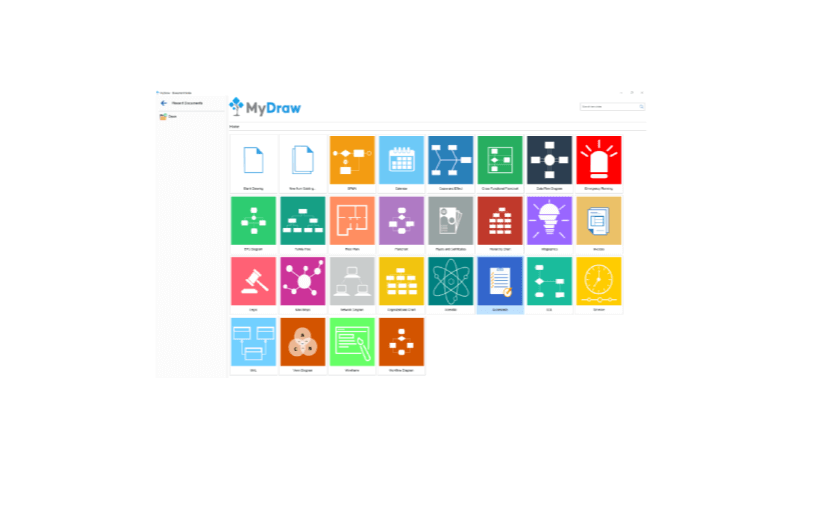
Use templates or free drawing
Integration with mainstream software programs (e.g., MS Word, Visio, etc.)