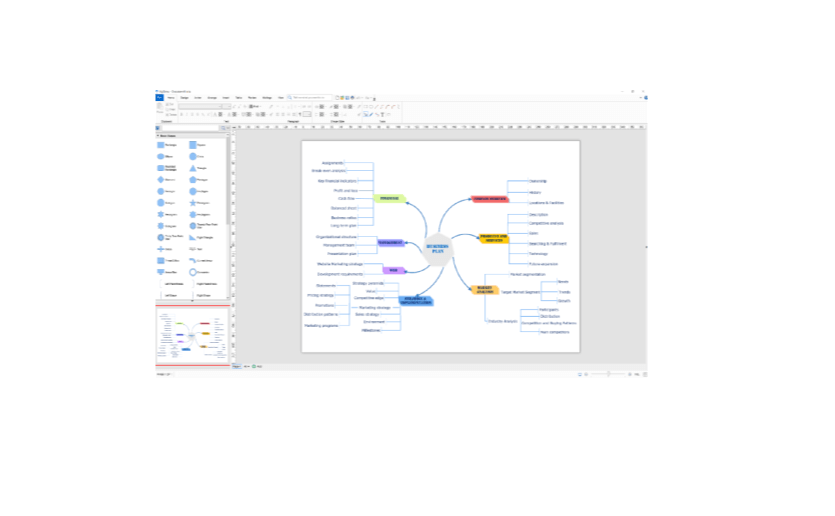
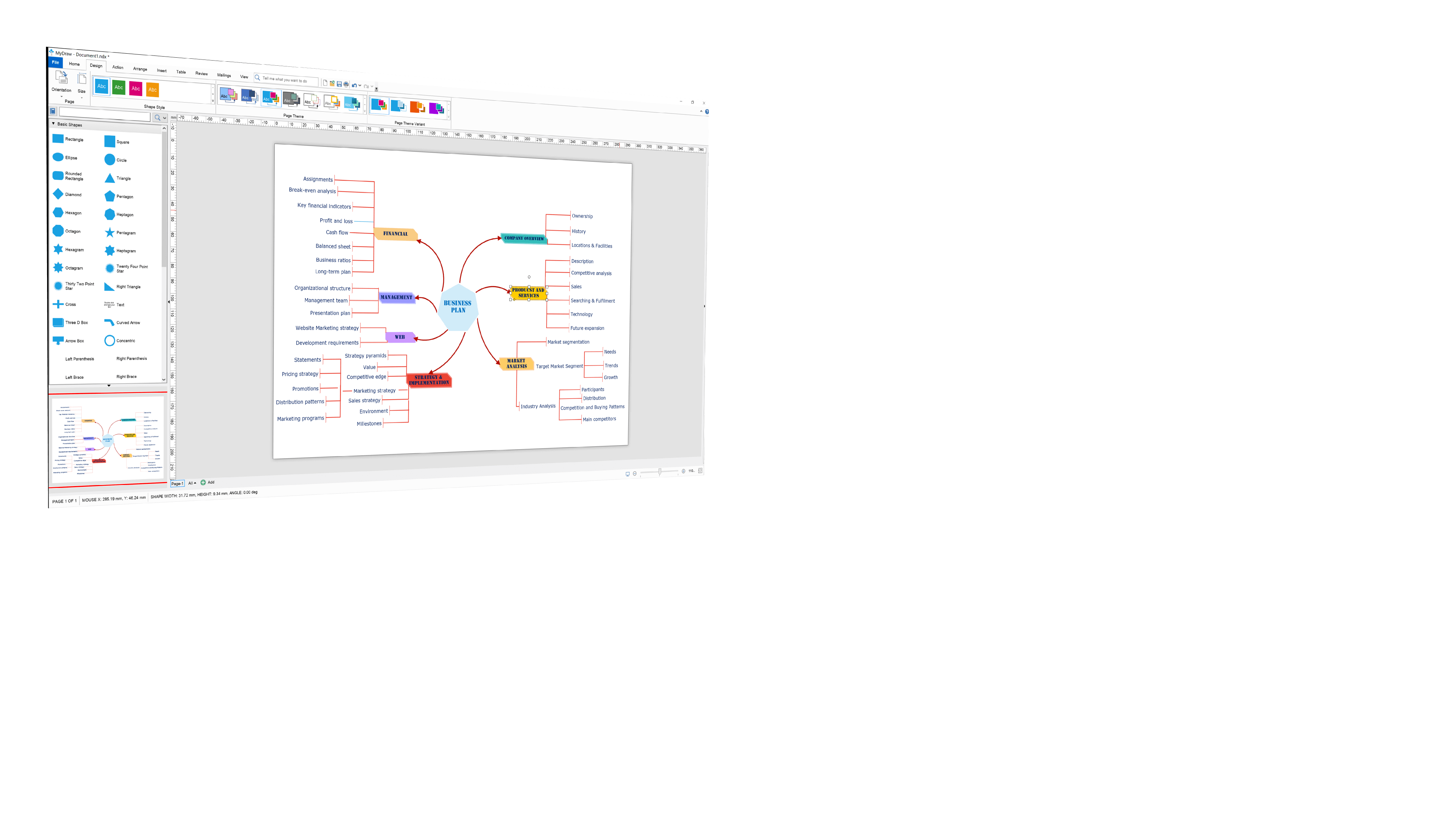
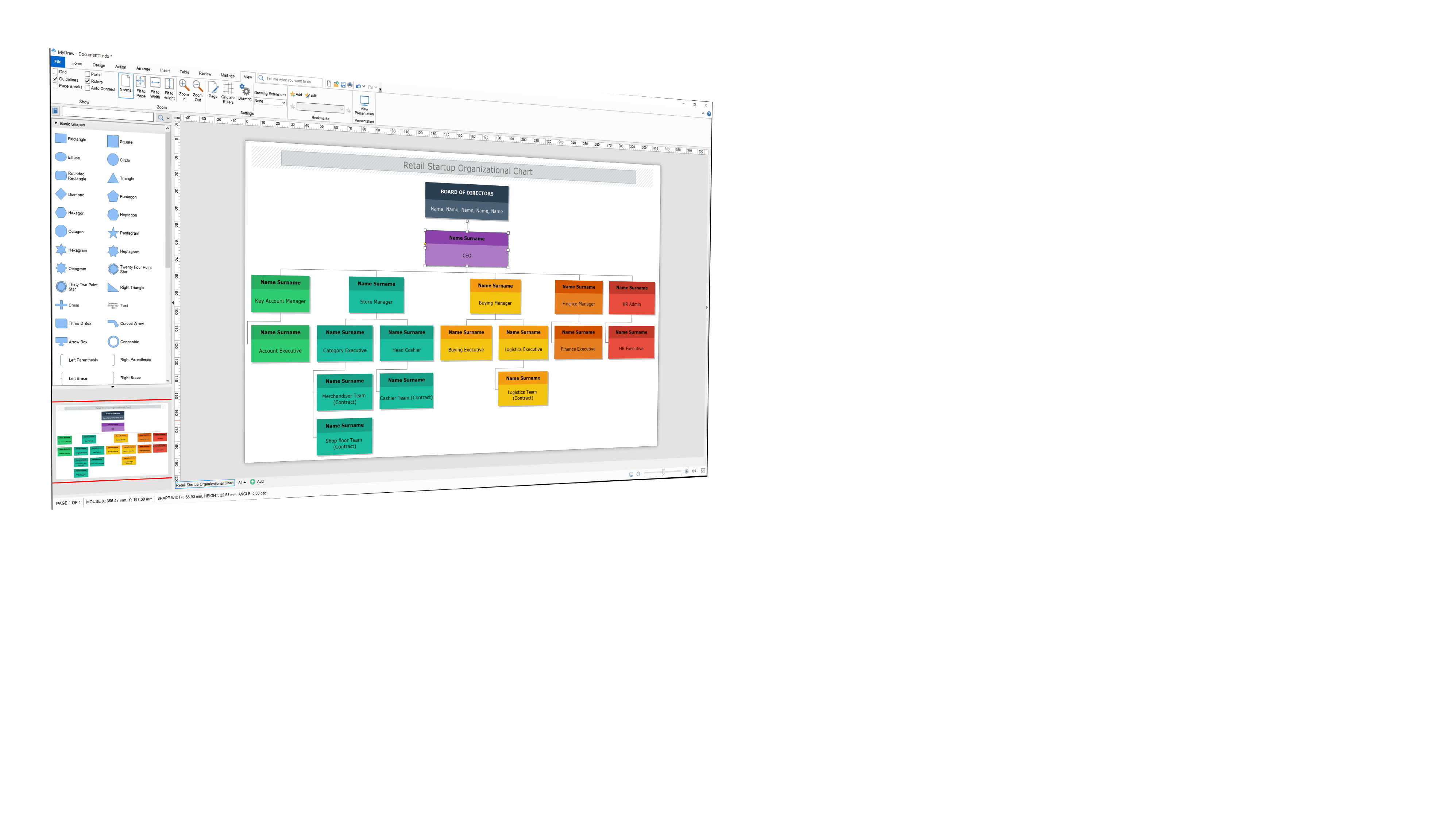
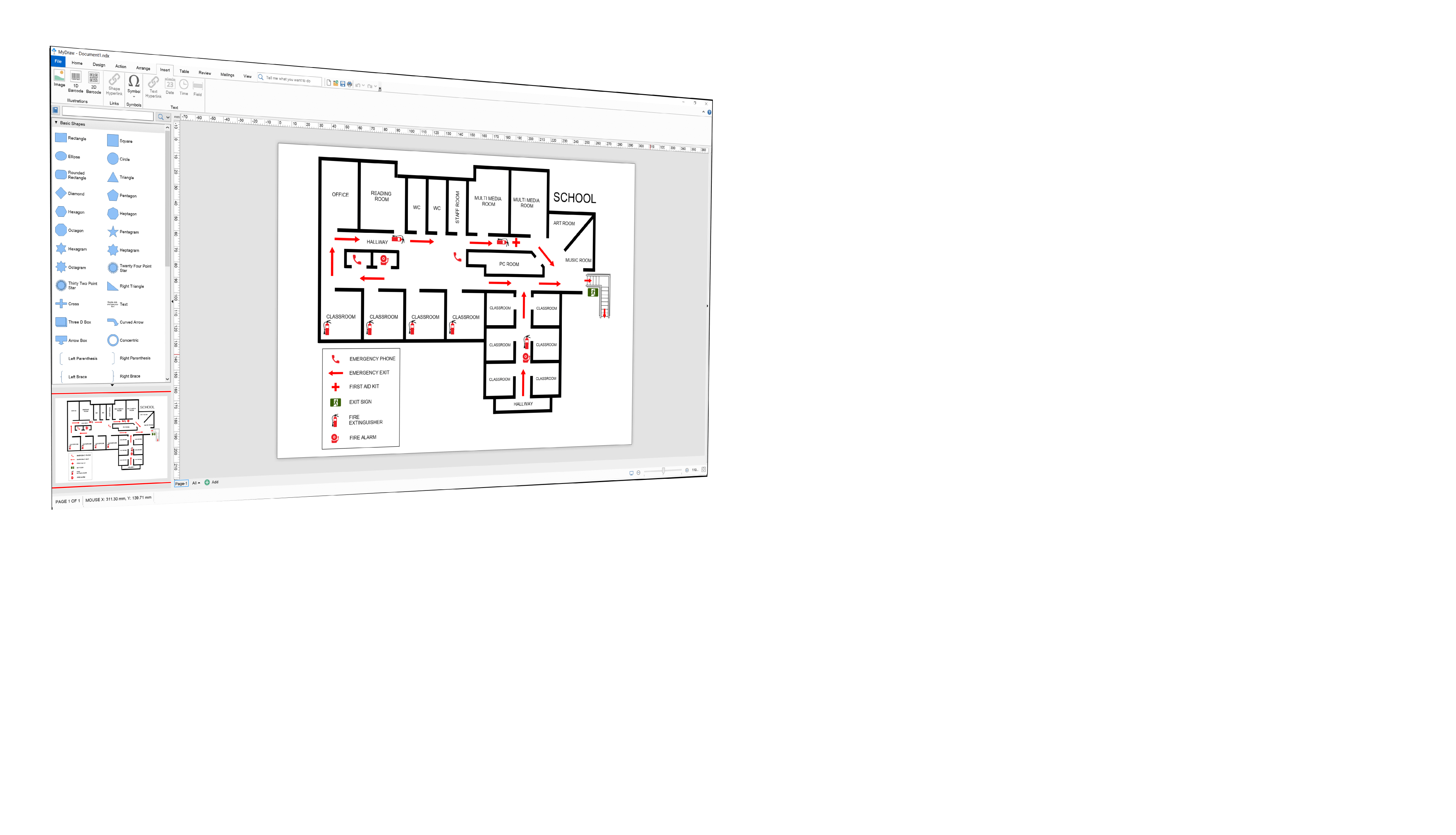
MyDraw is professional, features laden and affordable flowchart software that is easy to use.
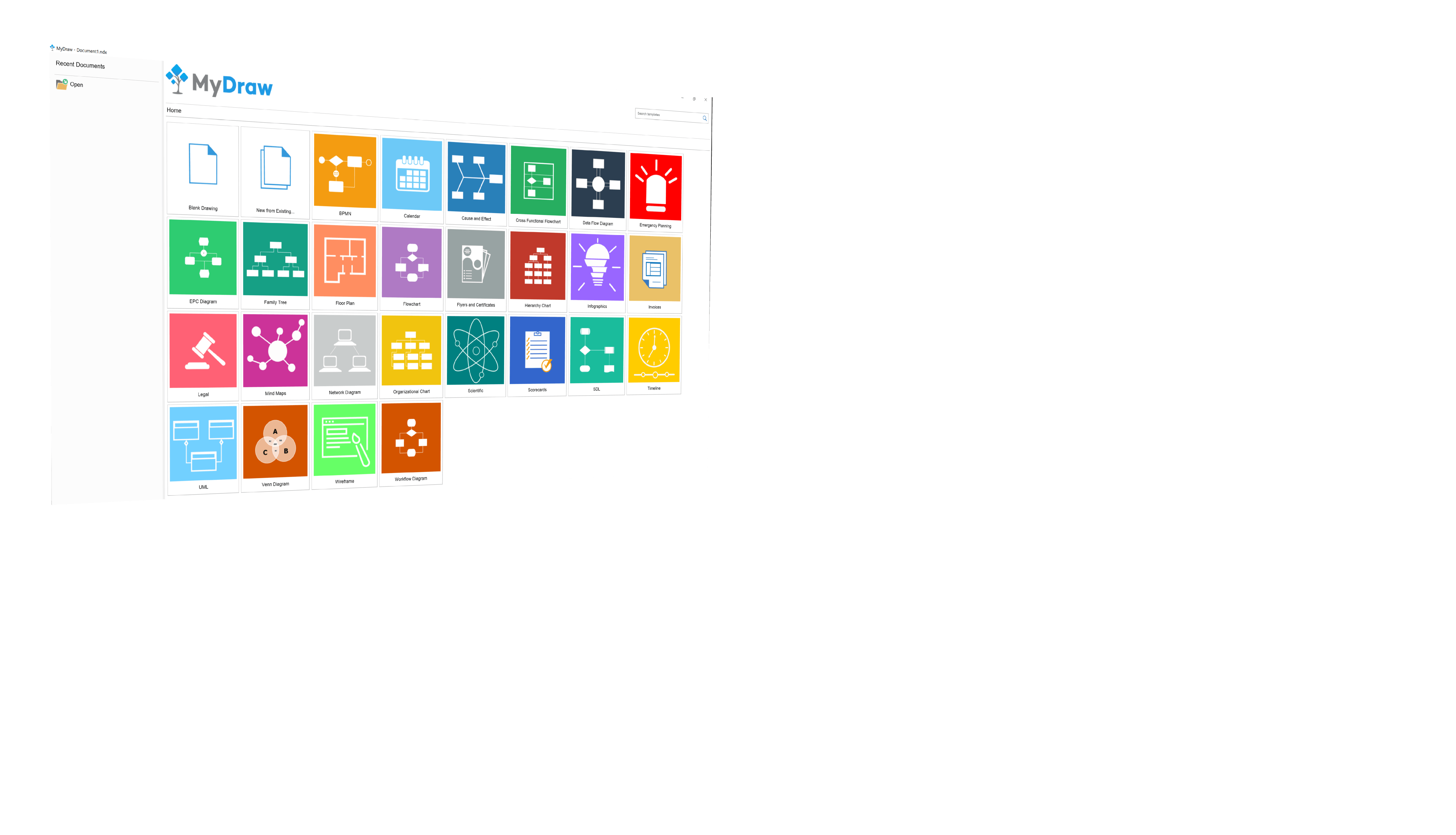
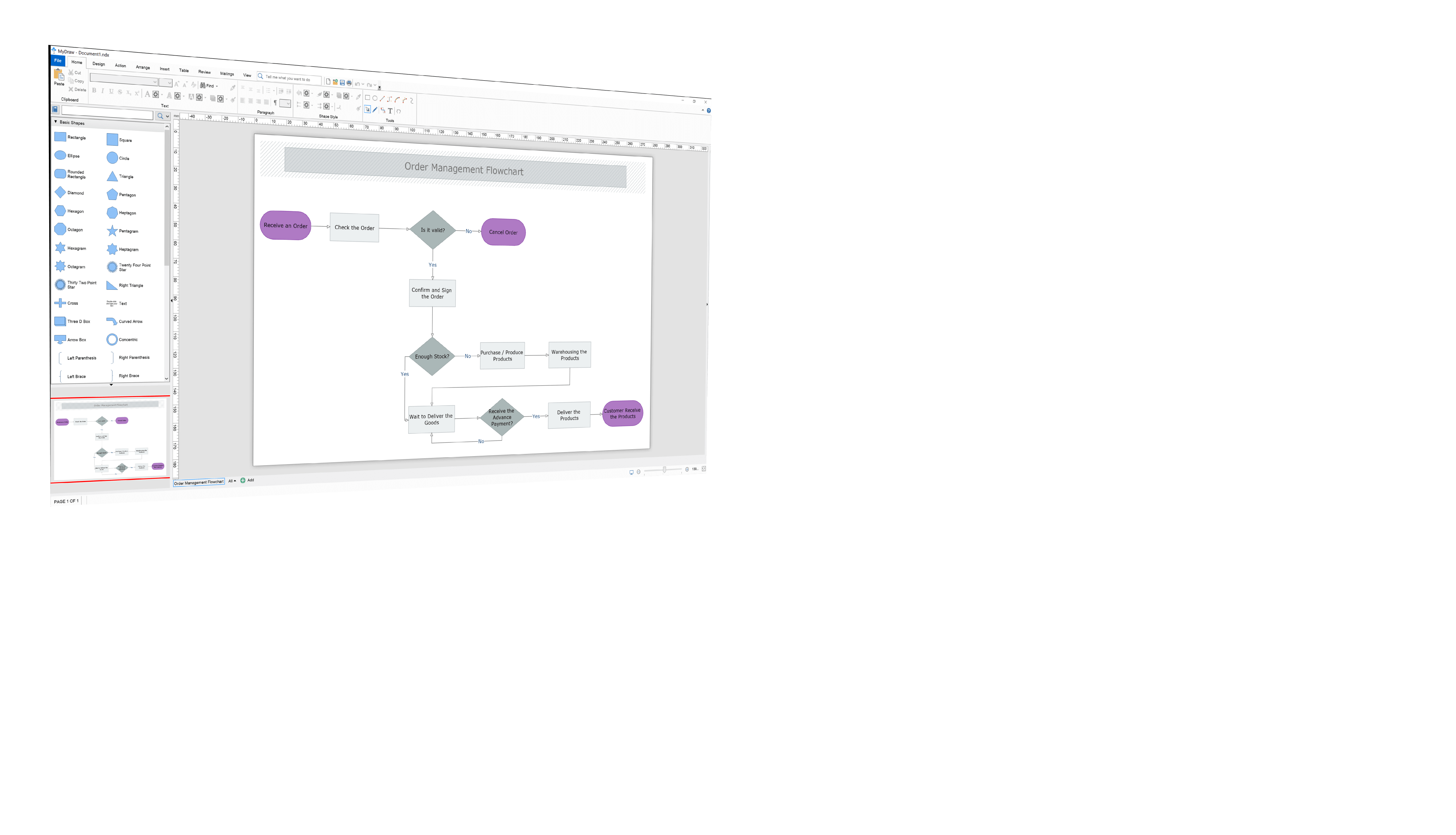
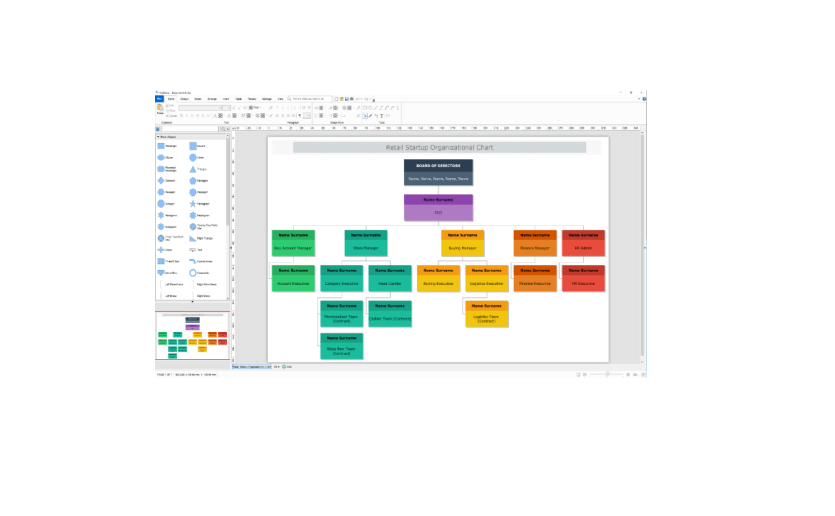
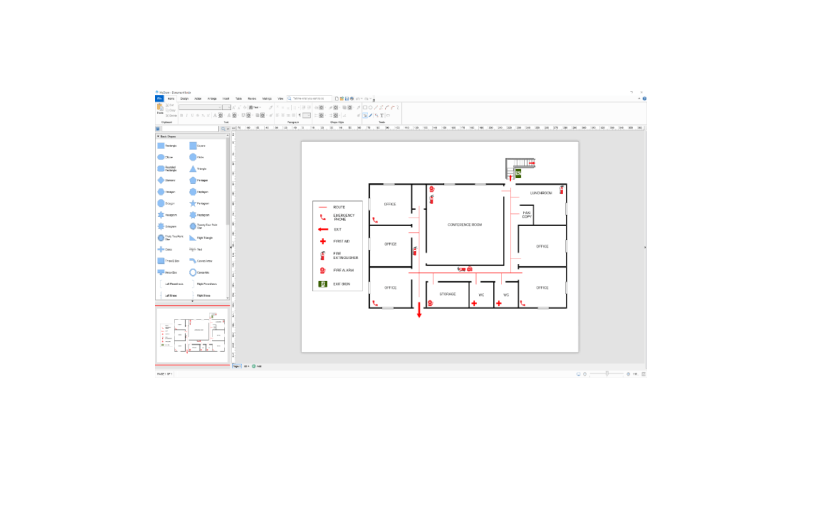
Easy to use and self-contained. A large number of templates and libraries of shapes suitable for both professionals and non-professionals alike. You start with a predefined template or from a blank drawing. From there you have a lot of options to arrange, insert, manipulate, review and mail your flowchart. The interface customization allows for different UI Themes and languages. You can even alternate in between the trendy ribbon and command bars. I personally prefer the clarity of the ribbon look. The finished work can be completely or partially saved in many popular formats such as Visio, AutoCad, GEDCOM, PDF, Raster( like PNG, JPG, BMP and GIF), SVG, HTML and others. MyDraw is responsive, easy to use and it gives me a professional result whether I produce a quick or a more detailed flowchart combining many elements. it is available for Windows and Mac. Highly recommended.
MyDraw is a real-time saver. I am able to quickly create flowcharts for different purposes, ranging from personal to highly professional presentations. I benefited from the ability to export my work in many different formats I work with on a regular basis. The HTML and PDF formats are especially helpful. It is important to me to be able to use predefined shapes and templates along with my own media and to easily edit and combine them into a finished product that really incorporates within the rest of my professional and personal Eco-system.
Zoran Lukic
I was happily surprised to be able to use MyDraw both for work, and hobby.
The software was easy to use, the interface simple enough that I was able to finish projects quickly. I gladly shared how easy the program was to use with friends.
MyDraw made both my school work and my hobbies easier.
Andrew Larkin
MyDraw works well as a Mac solution for drawings and for sharing PC created Visio assets. Workflows are productive and can in some cases be more efficient than initial appearances.
Native Mac operation is probably the single biggest point; no need to run a VM to work on drawings.
Support was friendly and willing to listen and improved the overall perception of the product. I was able to create both simple and layered designs and leverage investment from PC platform without having to run through extra steps and system modifications.
Carla Flores
MyDraw is terrific! The purchase process was easy to navigate and the software is easy to use!

Perpetual license
Use templates or free drawing
Integration with mainstream software programs (e.g., MS Word, Visio, etc.)
Akshay Rajaram
MyDraw made my job a lot easier.
I work with systems analysis and use MyDraw to create my flowcharts, I think he is very competent in what he does, since the day I started using it, I did not feel the need for another tool. I create my own items and reuse them very easily in other projects. I can even put a QR Code with the address where my flowchart is so that it is easily found when it is necessary to edit it.
MyDraw has streamlined my day-to-day work of creating my flowcharts.
Rafael Vermöhlen
MyDraw is one interesting flow-chart editor.
Very good "geometry" options; library import feature; ribbon user interface; bar-code and Qr code creator; plenty of options in general.
Edo Modun
Viable alternative for Visio if you're using a Mac.
MyDraw is available for Mac. The cost is excellent - especially compared to Visio. The feature set is very good for a product with this price point.
Bill Ramsay
MyDraw is very easy to use with reasonable price.
There are tons of Flowchart apps on the market today. However if you're looking for a program that's simple, stable and easy to use with reasonable price, MyDraw is your program. You will not get what you paid for with this price on the market.
Simplify work process. Easy to amplify Process.
Suchaow Chansangpetch
The program is pretty good for creating diagrams or charts and easy to use after some time.
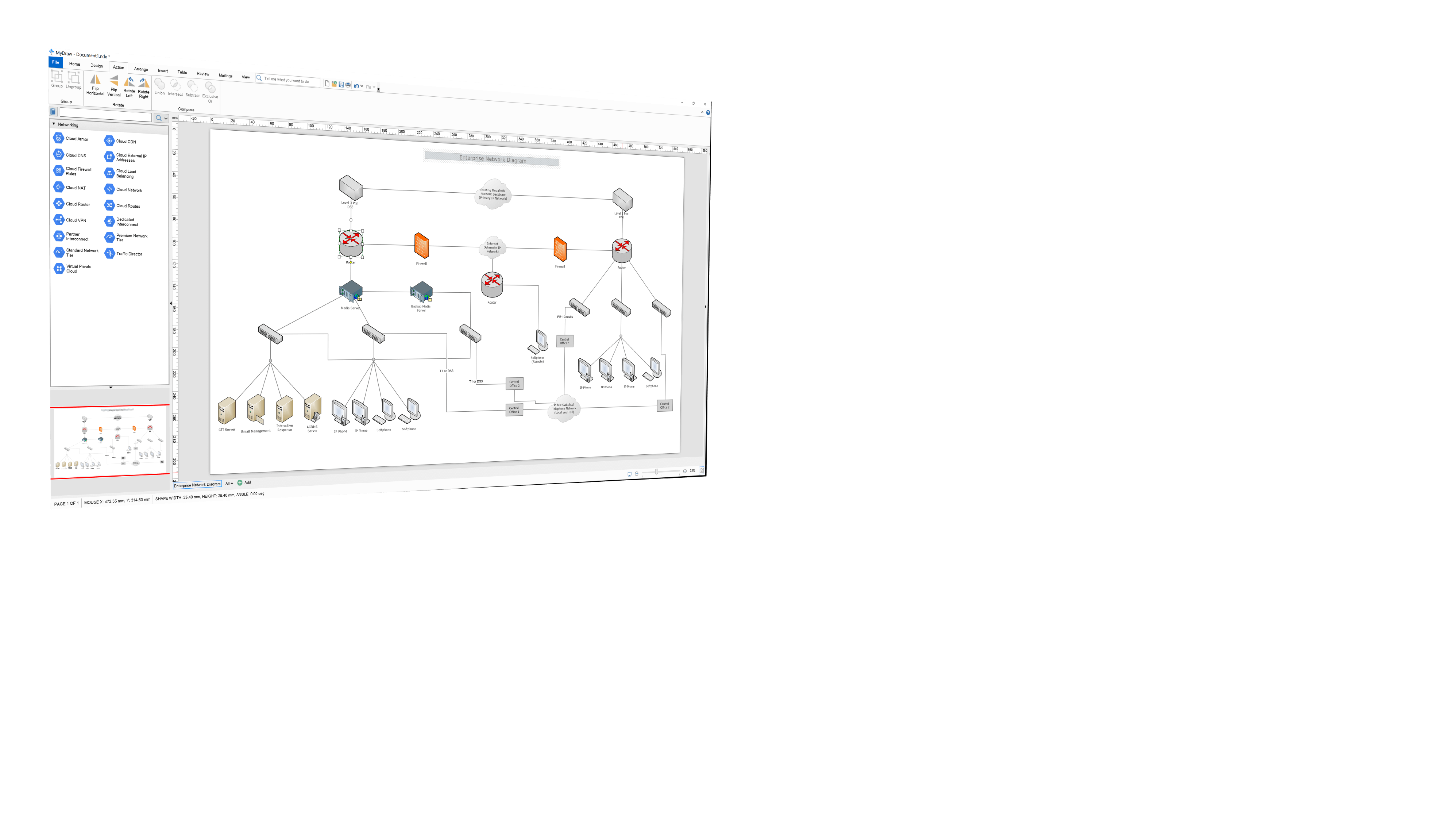
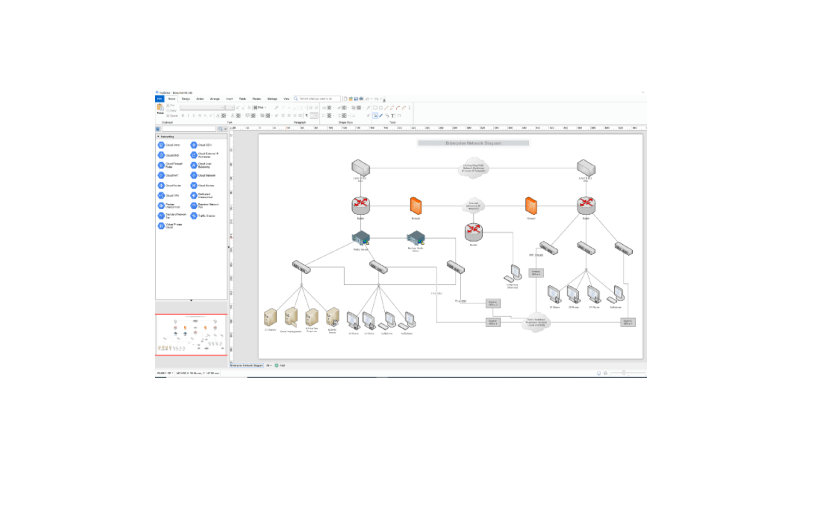
I really like the feature for network diagrams, with its symbols, it is really easy to understand, even if you show the diagram to people who are not too familiar with computers. You can also create flyers or certificates pretty easy, the selection is not too large but it should be enough for most flyers or certificates. I also like that you can create your own chart starting with a blank document.